
ONEDC has device templates to manage your racks.
Device templates contain manufacturer information including manufacturer name (also called the “vendor”), device size (Rack Unit slots), weight (kg) and an optional device image.
Device templates are linked to vendors. ONEDC includes pre-defined vendors. You can add additional vendors when you create a new device template.
ONEDC shows the devices linked to a specific device template:
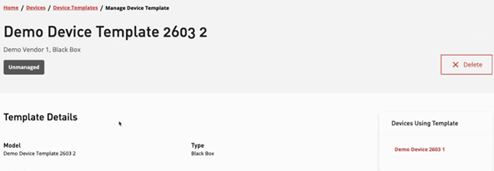
Device templates can be:
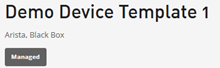
- Managed device templates – pre-defined templates included out-of-the-box in ONEDC
- Unmanaged device templates – user-defined templates created by users
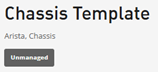
NOTE: You cannot delete a managed device template.
You can show device templates, create a new device template, assign a device template to a device or delete a device template.
To show and edit device templates:
- Select Services » Devices.
- Click View Device Templates.
- ONEDC shows the device templates.
NOTE: You can also search and filter to locate specific templates.
The Vendor is the device manufacturer. ONEDC includes pre-defined vendors. You can add additional vendors when you create a new device template.
Use the Vendor multi-select dropdown to select one or more vendors: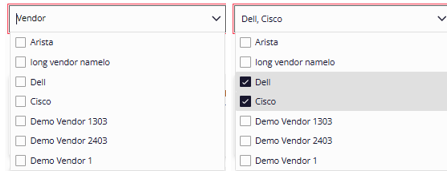
- Click a device template to view detailed information.