
Requests are used to manage access to NEXTDC facilities, on-site resources and spaces and to request approvals and support. Requests may also be called “support requests”, “tickets” or “cases”.
For example, you can use requests to request inductions, rack services, and to book resources including parking, meeting rooms and staging rooms.
The ONEDC Dashboard shows a summary of your current requests including requests in progress and action required:
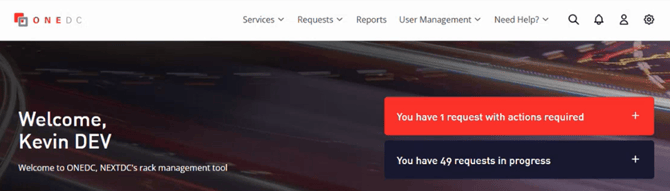
You can monitor requests via All Requests.
ONEDC has:
- General support requests – for specific activities including rack services, e-waste disposal, etc. which collect information specific to the request, and
- General service requests – for other requests or concerns not covered by the pre-defined requests. See Create a new General Service Request.
ONEDC automatically forwards the request to the appropriate NEXTDC team to action. NEXTDC staff will action the request and provide progress updates via the ticket number and email.
For each request, NEXTDC sends the following notifications:
|
Notification |
Information |
| Request received | 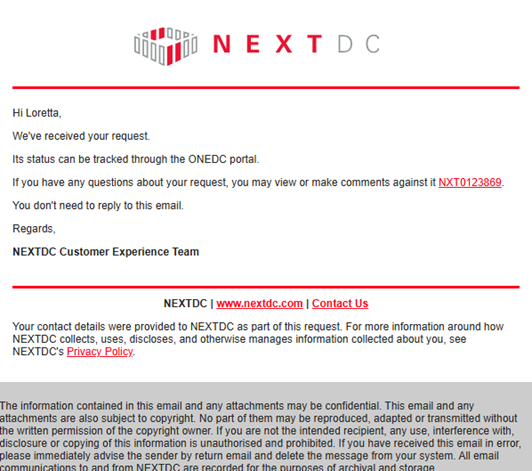 |
| Request approved | 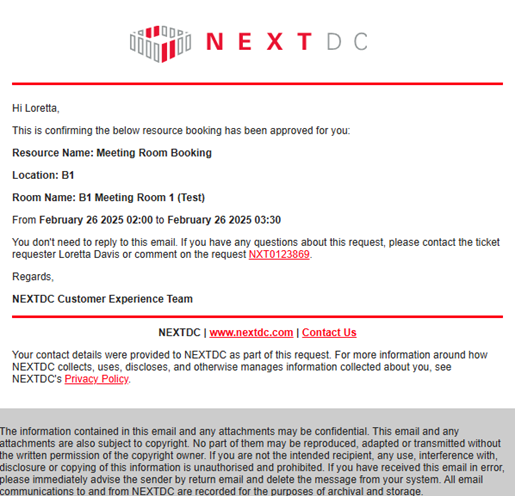
|
|
Other updates |
Including case comments, supporting files added, etc. |