
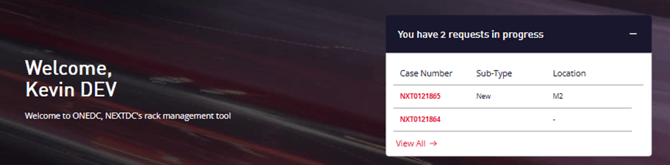
Requests can be accessed in two ways. Via the Home Page banner and via the All Requests page.
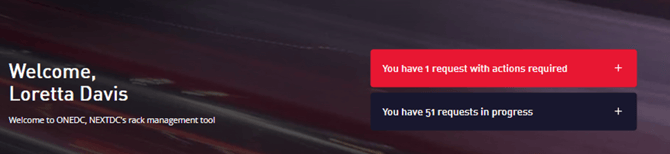
You can click the + symbol to expand the notification boxes to see the latest updates on your requests and can click View All to see all requests.
You can also directly go to the All Requests screen by clicking Requests then All Requests from the main menu bar.
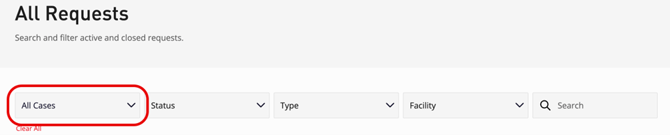
Use the Cases dropdown to filter the requests:
- All Cases – show all cases for the current tenancy
- My Cases – show cases you created for the current tenancy
Click a request link to show detailed information. To show or update a request, click the Case Number link.