
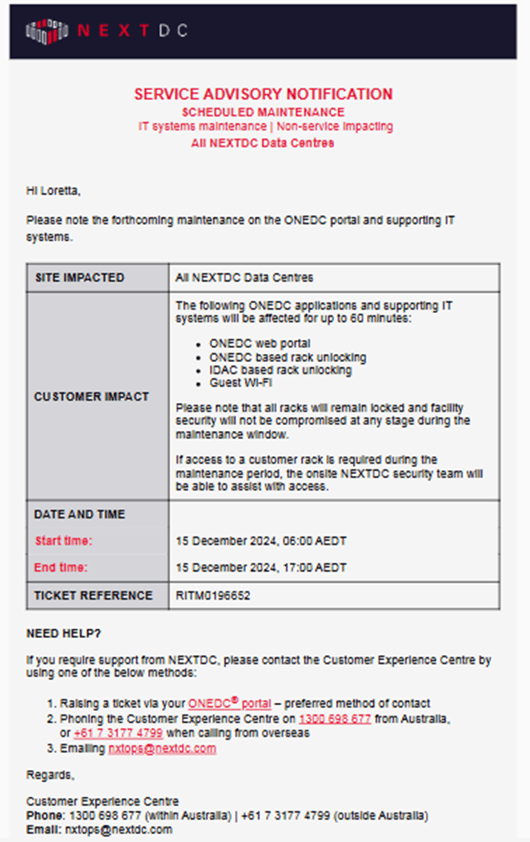
NEXTDC uses Service Advisory Notifications (SANs) to share urgent information with users about system availability and operational changes. For example, SANs may advise updated access to carparks, scheduled maintenance, etc.
Users must be a member of the Service Advisory group and select one or more data centres to receive notifications. Users can view their service advisory notifications via their profile.
To manage the service advisory notifications:
- In the Main Menu select User Management » Groups.
- Click the Service Advisory
- Review the group members. See show, add and manage members in a group.
- The Service Advisories section shows the currently selected data centres.
- Click Manage Subscriptions.
- Click to select the data centres or click Add All for all data centres.
- Click Save to save the subscriptions or click Cancel to quit without saving.
- ONEDC synchronises the information and confirms the updates were implemented.
- Click Okay to acknowledge the confirmation message