
You can view a summary of all devices and edit a specific device (e.g. to add a device tag).
To show and edit devices:
- Select Services » Devices.
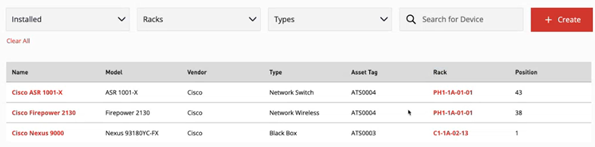
- ONEDC shows all devices.
You can also search and filter to show:
Search
Information
Specific device
Enter the device name
Devices “installed” in a rack or currently “uninstalled” and awaiting installation
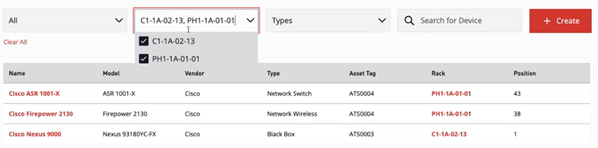
Devices installed in specific racks
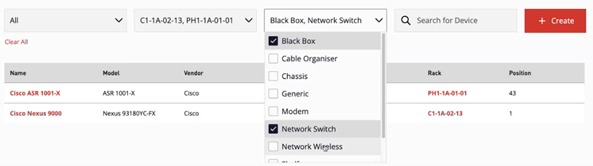
Specific device types
- Click the device link view the device information.
NOTE: To prevent changes to module slots for chassis devices with modules installed, ONEDC hides the button. You must remove the modules to edit the slots. See manage modules for chassis devices.
 - To update the device information, click Edit.
- See Add a new device for field information.
- You can also manage device tags.